Daily Expense Manager Help
1
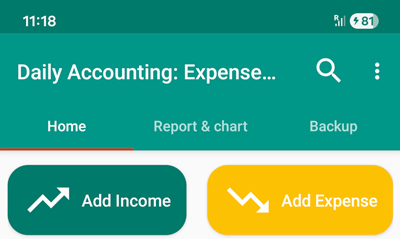
Use the “Add Income” and “Add Expense” buttons to record new income and expenses.
2
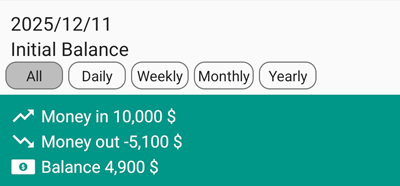
After registering expenses and income, the remaining balance of the cashbox or wallet can be seen at the bottom of the screen.
3
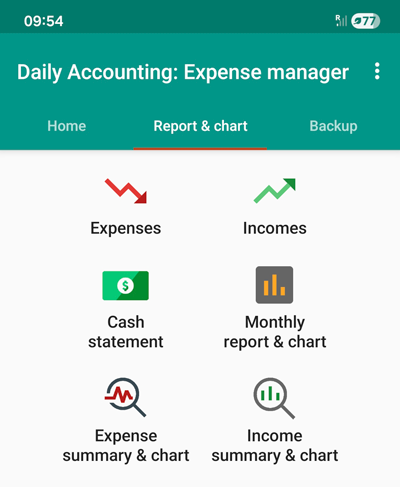
In the “Reports & Charts” tab, various reports and charts are available.
4
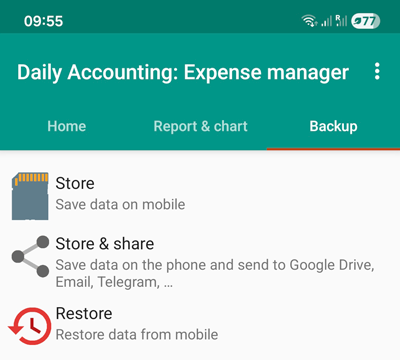
To create a backup, use the “Backup” tab. We recommend using the “Store & share” option to upload the backup file to online storages.